
Virtual Podcast Studio Backgrounds
Download six free virtual podcast studio backgrounds as JPEGs. Preview 16:9, 4:3 or square crops, then upload your chosen photo to Zoom. No signup needed.
Choose a real studio photograph
Six distinct photographs with their actual titles and attribution. Preview the crop; the center guide is an approximate composition aid.
- Always free
- No account needed
-
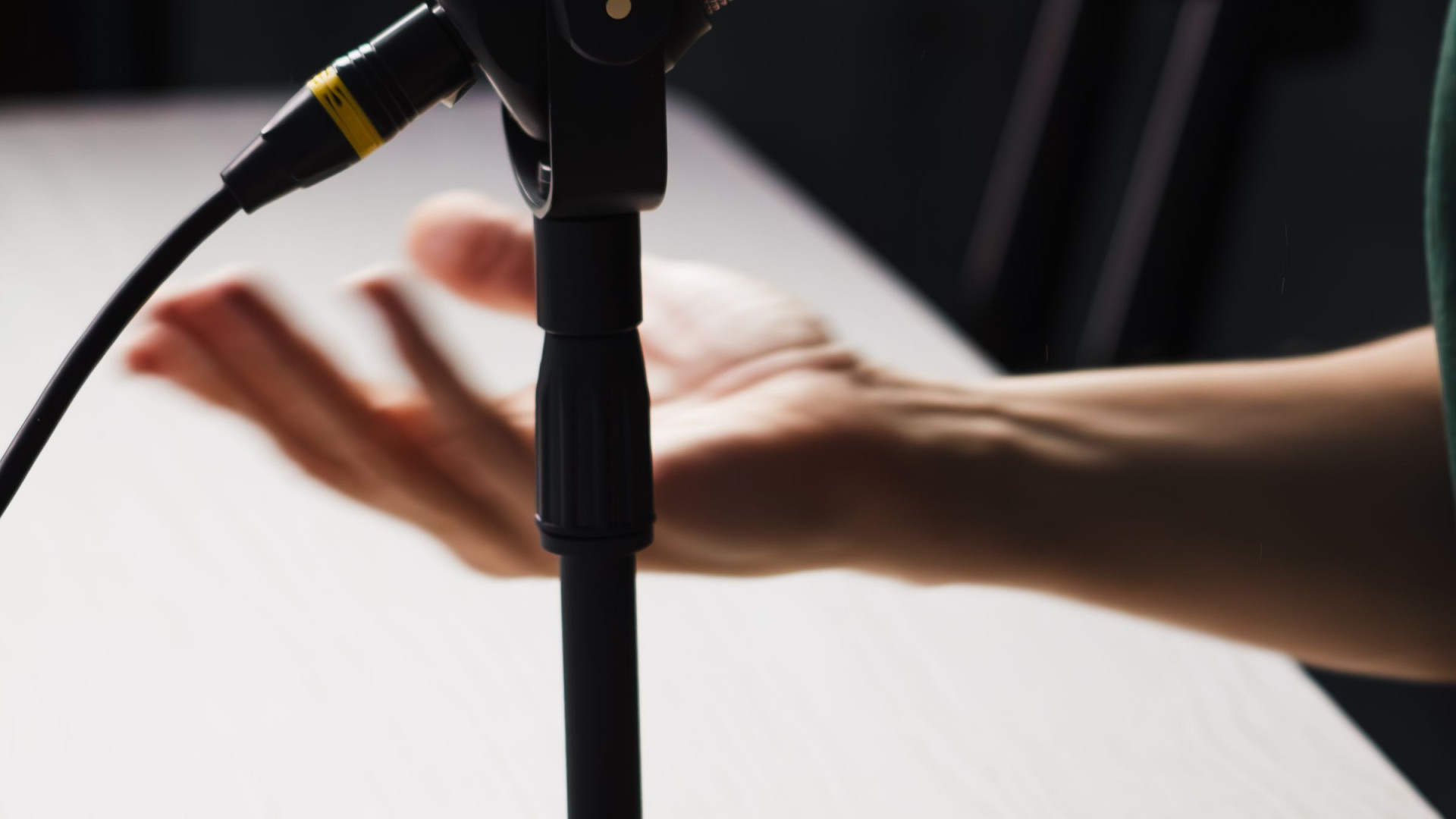
Podcast microphone studio
Photo by Abdellah Benziane on Pexels
Source photograph · Pexels license
Free use and modification; attribution optional. The license restricts endorsement, trademark use and resale of unaltered copies. Review the linked terms for your use.
-
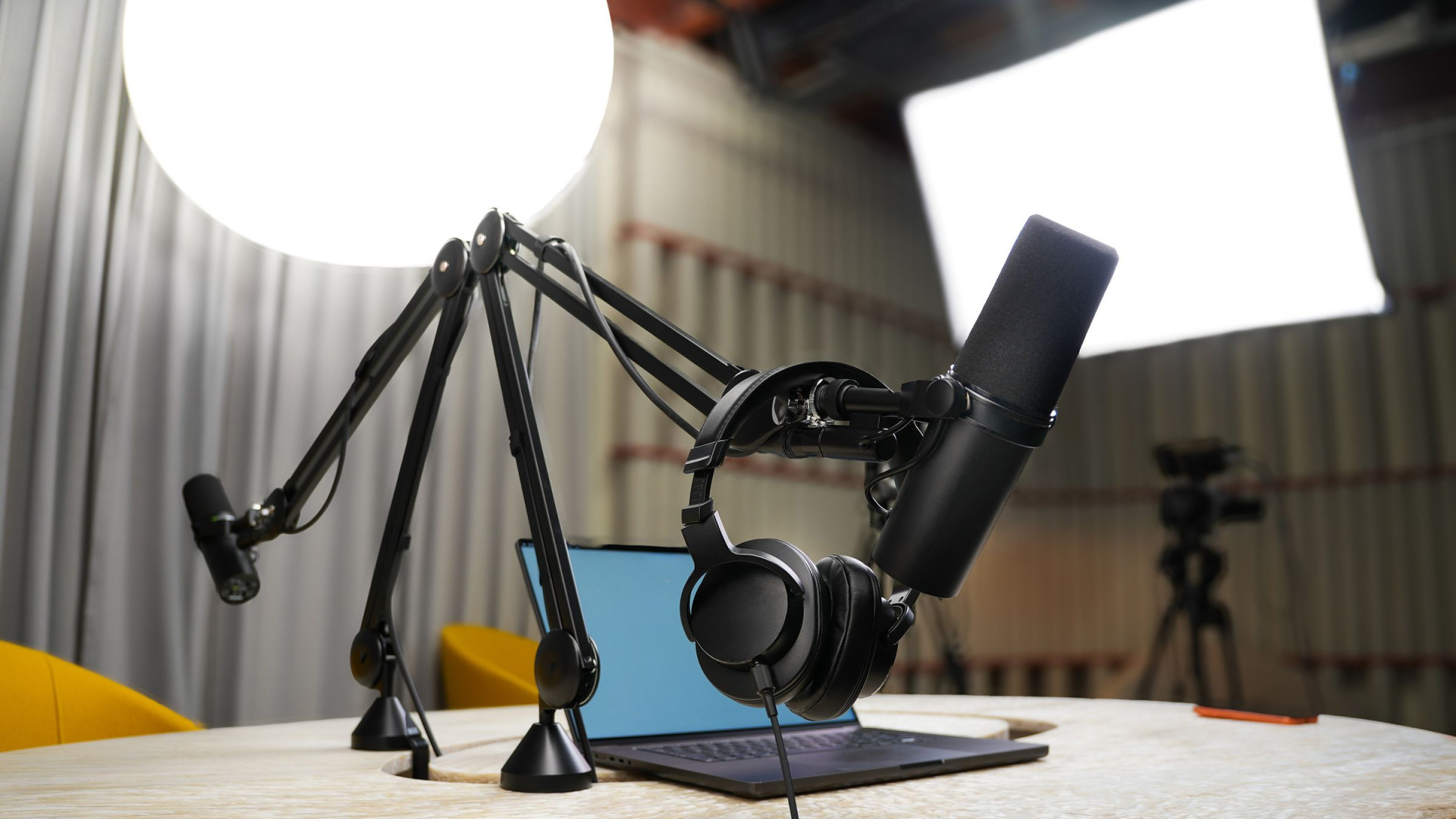
Professional studio lighting
Photo by Jakub Zerdzicki on Pexels
Source photograph · Pexels license
Free use and modification; attribution optional. The license restricts endorsement, trademark use and resale of unaltered copies. Review the linked terms for your use.
-
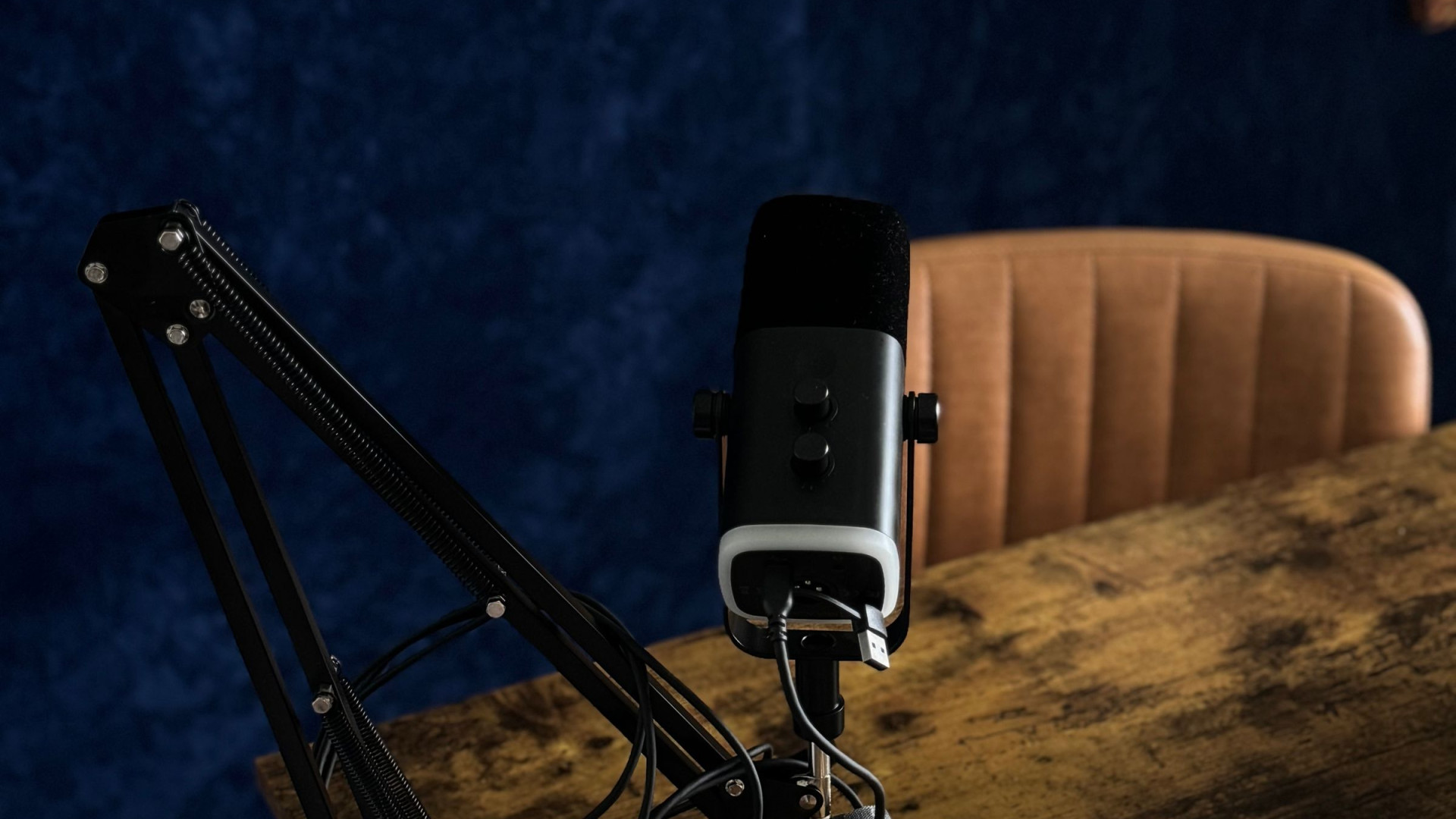
Dynamic microphone workspace
Photo by Shaniqua Smith on Pexels
Source photograph · Pexels license
Free use and modification; attribution optional. The license restricts endorsement, trademark use and resale of unaltered copies. Review the linked terms for your use.
-
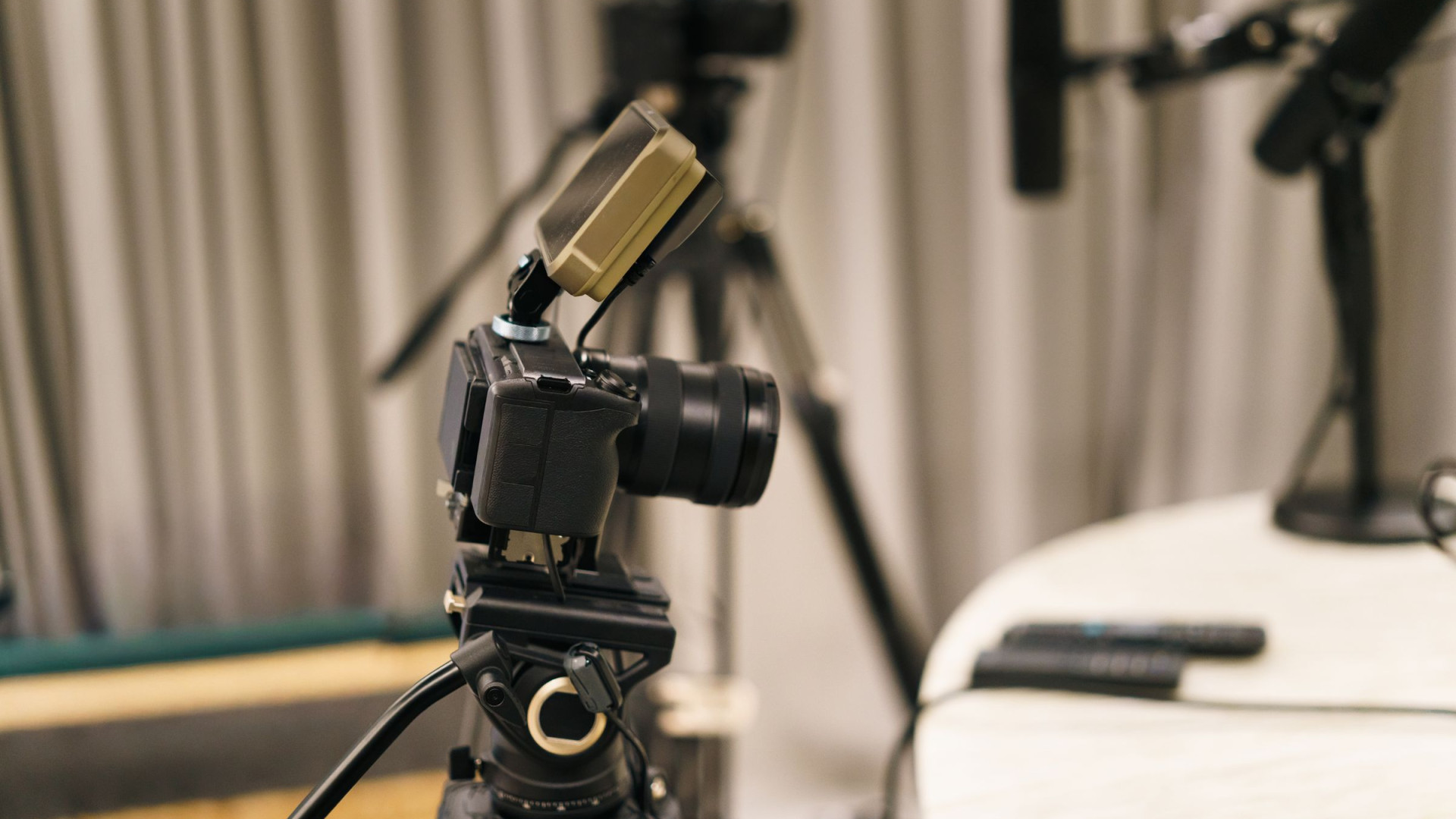
Podcast production setup
Photo by Jakub Zerdzicki on Pexels
Source photograph · Pexels license
Free use and modification; attribution optional. The license restricts endorsement, trademark use and resale of unaltered copies. Review the linked terms for your use.
-
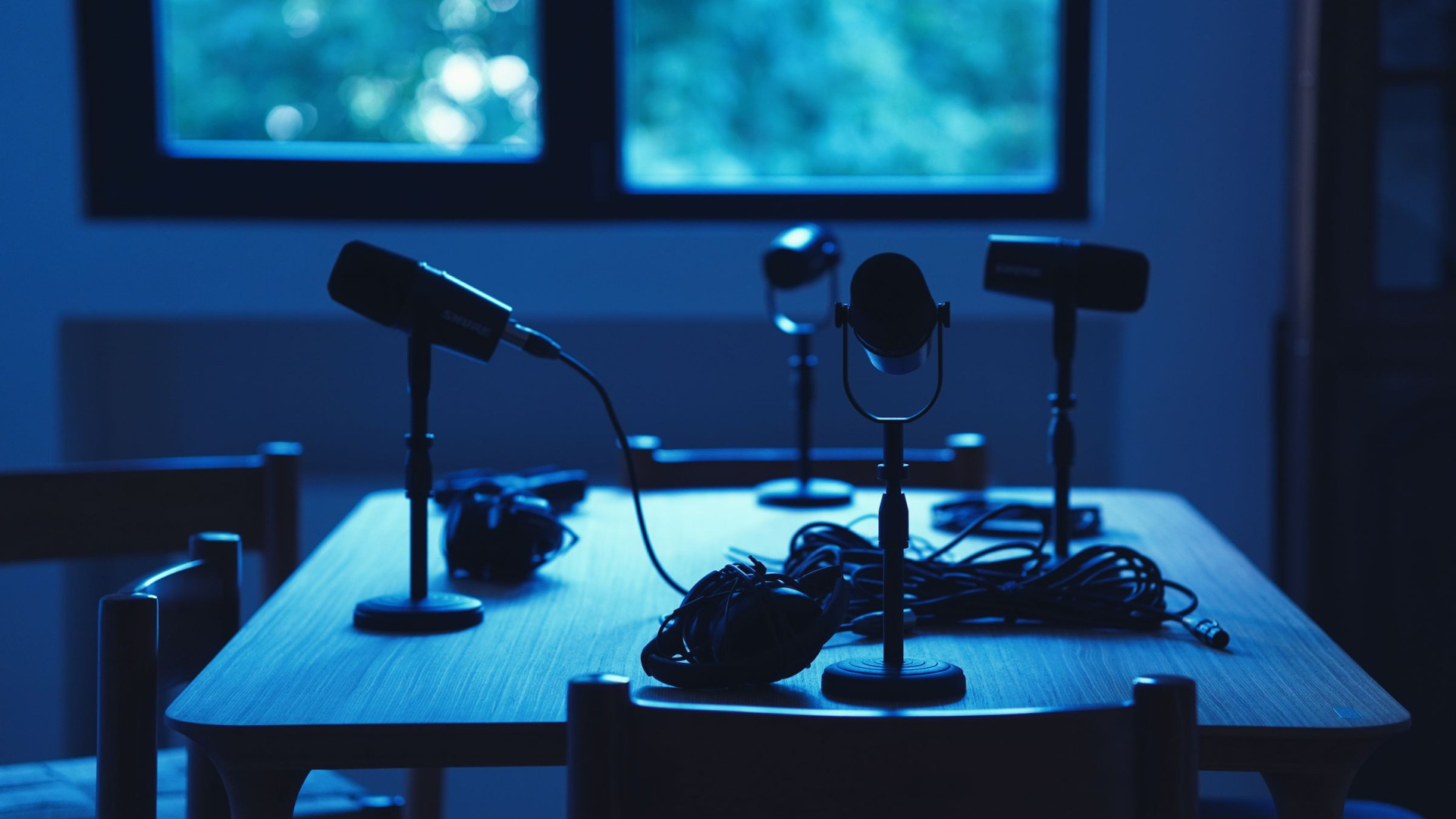
Blue-lit podcast studio
Photo by Reza Tavakoli on Pexels
Source photograph · Pexels license
Free use and modification; attribution optional. The license restricts endorsement, trademark use and resale of unaltered copies. Review the linked terms for your use.
-
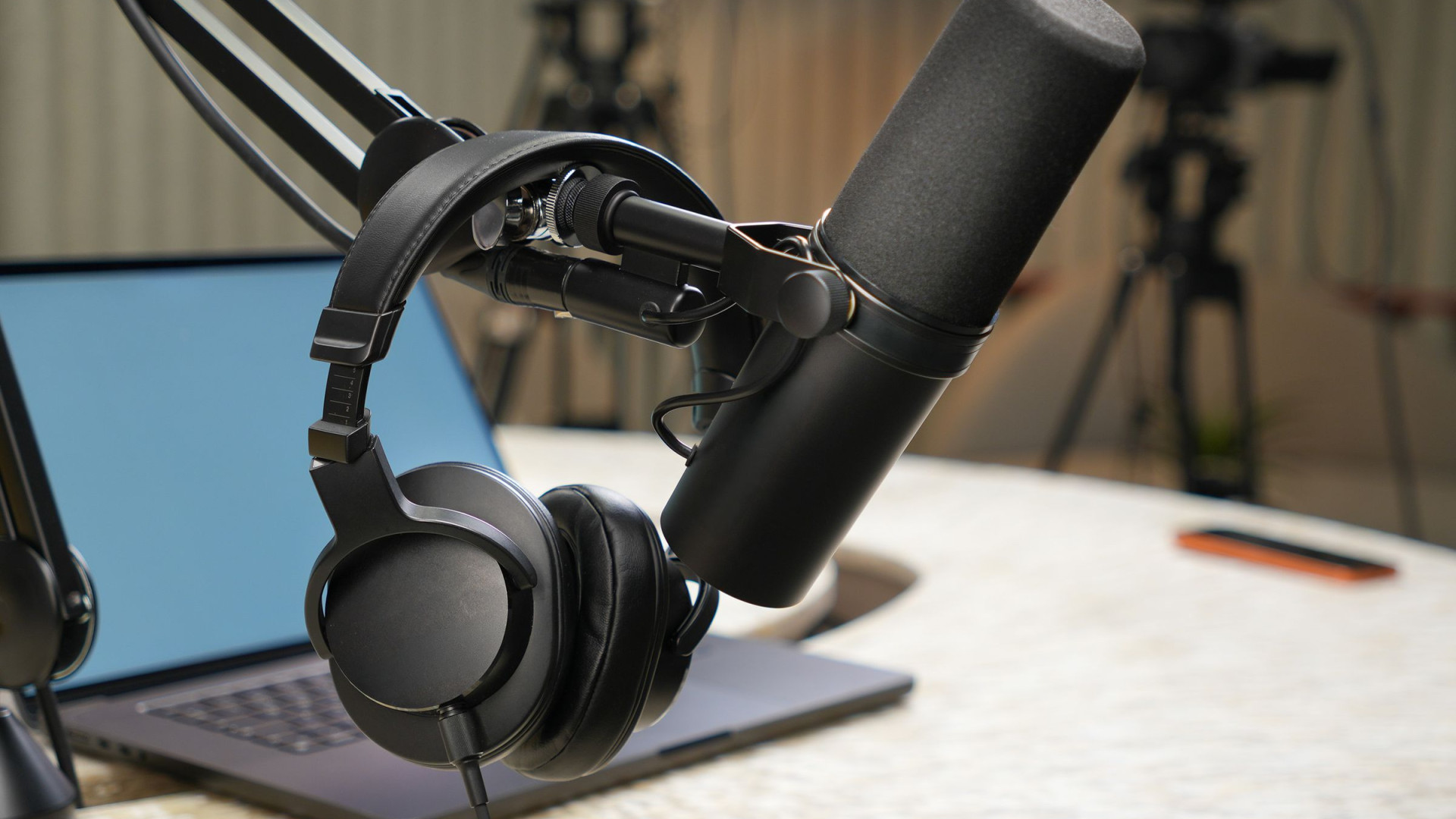
Microphone and headphones setup
Photo by Jakub Zerdzicki on Pexels
Source photograph · Pexels license
Free use and modification; attribution optional. The license restricts endorsement, trademark use and resale of unaltered copies. Review the linked terms for your use.
Ready for the next step?
Create your show on Podfan: hosting, a podcast website and paid memberships in one place.
What Virtual Studio Backgrounds does
Download six free virtual podcast studio backgrounds as JPEGs. Preview 16:9, 4:3 or square crops, then upload your chosen photo to Zoom. No signup needed.
Reviewed and updated November 23, 2026.
A reliable workflow
- Prepare a clean source file
- Generate or edit the production asset
- Preview before publishing on every destination
Choose a podcast background for your camera
Start with a photo whose lighting and perspective suit your recording setup. These six studio photographs contain real microphones, equipment and, in some cases, people or hands. Check where those details sit behind your face and shoulders in your camera preview. The center guide helps compare the composition and is left out of the downloaded image.
| Crop | JPEG size | Choose it for |
|---|---|---|
| 16:9 | 1920 x 1080 | A widescreen camera, including a 16:9 Zoom setup |
| 4:3 | 1440 x 1080 | A camera or recording layout using a 4:3 frame |
| 1:1 | 1400 x 1400 | A square composition or a service that accepts square backgrounds |
Match the crop to your camera or destination before downloading. Another app may crop the image again, so review the final framing there.
Add your podcast background to Zoom
- Choose a photograph above, select 16:9 for a widescreen camera, and download its JPEG.
- Open your Zoom desktop app settings and find the virtual-background controls in Video & Effects.
- Use the add control to upload your JPEG, then select it as your background.
- Check the camera preview before recording. Try moving your head and hands to see whether the background stays clear around you.
Zoom supports JPG/JPEG backgrounds and recommends matching the image to your camera aspect ratio. A 1920 x 1080 export matches a 16:9 camera. Device and account settings can affect availability; see Zoom's virtual background setup guide for requirements and current controls.
What you can use and export
Free with no account, trial, or subscription.
Examples to try
Microphone studio photograph
- Input:
- Search: microphone; 16:9 crop
- Result:
- Real microphone studio photographs with source-specific titles and credits. Exported JPEG dimensions: 1920 x 1080.
Original Podfan demonstration, reviewed October 2, 2026. Illustrative facts are labeled; exports should be reviewed before publishing.
Inputs
- Search real photo titles up to 200 characters
- 16:9, 4:3 or 1:1 orientation
Outputs
- Six distinct source photos with accurate previews
- 1920 x 1080, 1440 x 1080 or 1400 x 1400 JPEG
- Photo source, attribution and license beside each asset
Limits and checks
The server retrieves fixed public Pexels assets and renders the selected crop. No AI-generated titles or imaginary photography are shown.
- Six distinct photographs
- Public source images refresh at most every 24 hours; rendered public JPEG responses have a one-hour cache window.
What to check before publishing
- The center composition guide is approximate and is absent from downloaded files.
- Photographs include real studio equipment; test your camera framing and background segmentation before recording.
- Pexels license restrictions apply, including endorsement, trademark use and unaltered resale restrictions.
Material review: 2026-11-23. Pexels license Source photograph
Continue your workflow
Use your reviewed result in the next relevant tool.
Give your podcast
a home
Host, promote and earn from your show with Podfan. Start with a free podcast website.
Get started